Project-aware editing
Browse the project tree and edit embedded source while the active task stays in view.
Flash Desktop
A native environment for complete embedded development: understand the system, work across hardware and firmware, debug real devices, and prepare releases in one window.
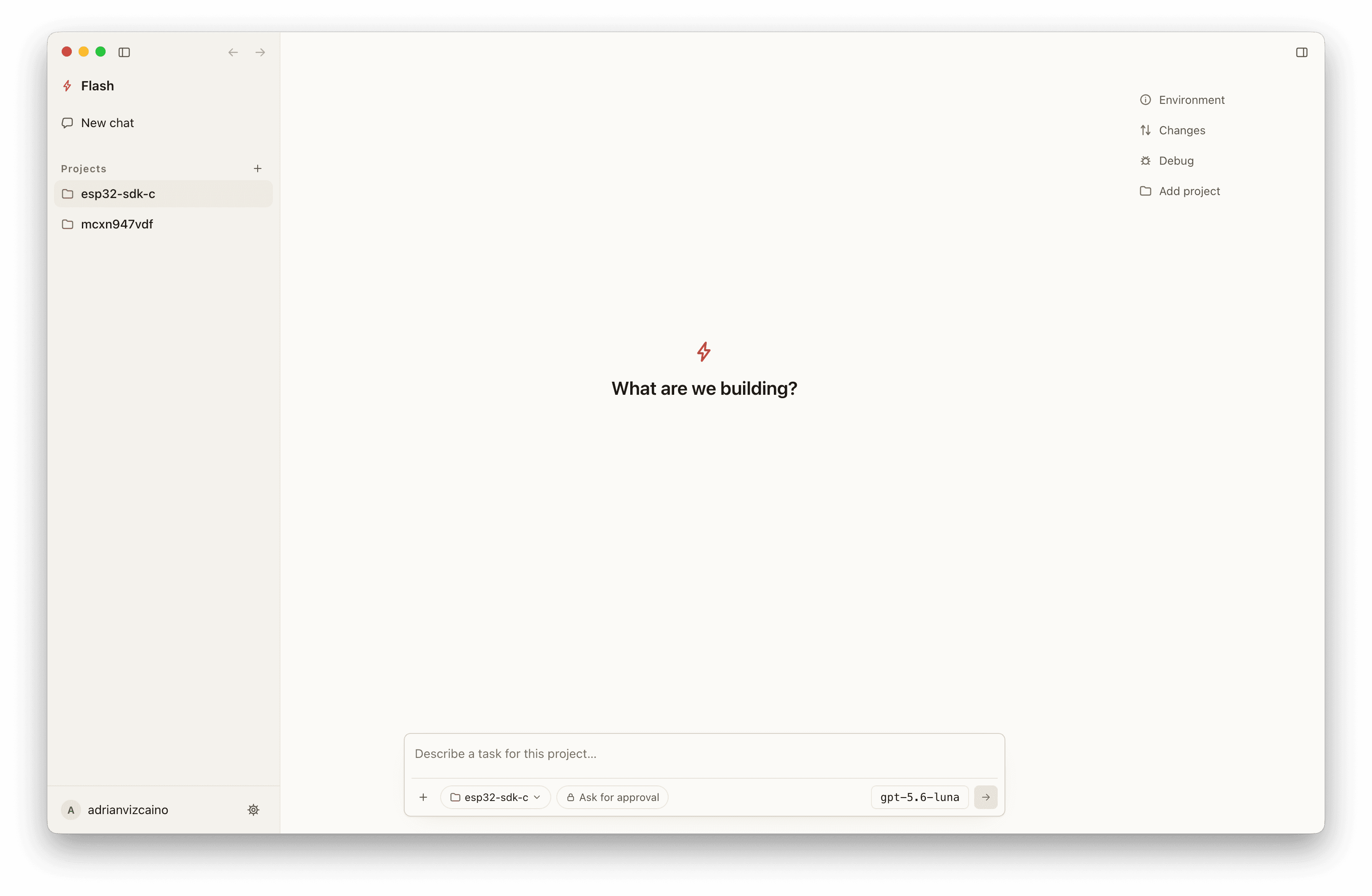
Browse the project tree and edit embedded source while the active task stays in view.
Ask a question or request a change without leaving the file you are working on.
Keep the project, active task and complete embedded context together in one native window.
Embedded engineers who prefer a native desktop workspace while keeping VS Code or another IDE for day-to-day development.
Use Flash Desktop to organize projects, delegate tasks, and keep embedded context visible alongside the editor you already use.
You get a focused AI workspace without replacing the development tools and habits your team already trusts.
See target capacity, host resources and toolchain readiness in one project snapshot.
Navigate schematics, PCB, BOM and the semantic connections between components, pins and nets.
Browse the project, edit source, inspect diagnostics and review changes without leaving Flash.
Build, flash and work across connected devices, serial, MQTT and debugger instruments.
Turn verified builds into release candidates with visible quality gates and frozen deliverables.
The agent follows the active workspace, selection and document revision while sharing project memory with the CLI.
Download Flash Desktop and open your project — Flash connects its system, hardware, firmware, debug and release context from the start.
